Turn a weekly recap into a page of notes
Canva’s Notes App Chic reference combines photos and informal notes. Its reported search signal belongs to Canva, not the whole Instagram audience.
MAKE IT YOUR OWN
Work diaries, photo dumps and behind-the-scenes updates
Original editorial layout demonstrations, rendered with system fonts. These are not screenshots of the source, downloadable templates, or exact previews of the recommended fonts. Appearance varies by device.
A practical starting point
- Choose two photos and three short notes rather than squeezing every moment onto one slide.
- Start with a warm-white 1080×1350 canvas. Overlap photos slightly without covering the words.
- Keep dates and photo labels consistent; end the sequence with one short reflection.
Font options · Noto Sans KR
Free · SIL OFL 1.1 · Korean and Latin supported. Font redistribution and modifications have additional licence conditions.
Official font information ↗ · Check the license ↗
These settings are editorial suggestions, not platform requirements or proven performance claims. Check readability at actual phone size.
The source example
Canva design report
The visual idea
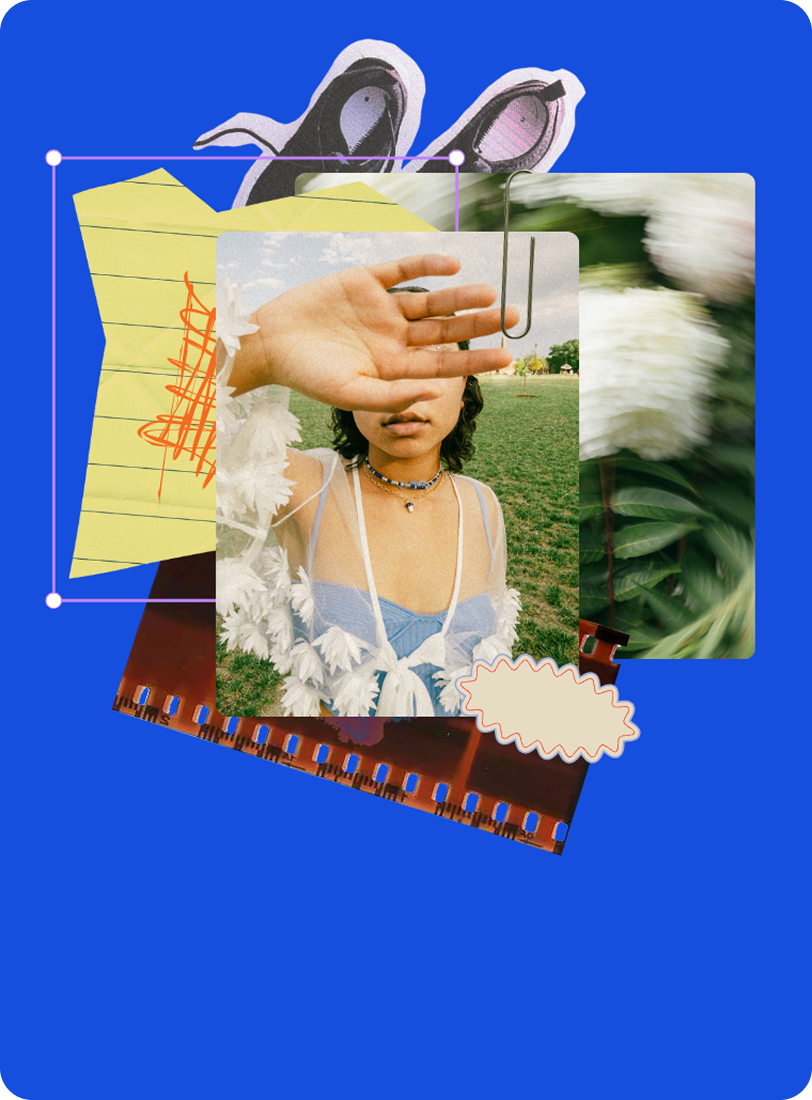
A scrapbook-like composition makes room for small observations and imperfect edges. It suits a story about the process behind the finished result.
Build your own version
Use your own photographs and one clear point per slide. The editorial example demonstrates a layout; it is not a Canva template download.