Give one word the emphasis
Kinetic type follows the rhythm of speech. An emphasis can be as small as one word changing size while the rest of the caption stays still.
MAKE IT YOUR OWN
A takeaway line in an explainer or product video
Original editorial layout demonstrations, rendered with system fonts. These are not screenshots of the source, downloadable templates, or exact previews of the recommended fonts. Appearance varies by device.
A practical starting point
- Finish the speech-aligned base caption first, then select one emphasis word per sentence.
- Try scaling that word to around 110% or give it one accent colour; leave the rest in place.
- Leave enough time to read after the motion settles. The static example on this page does not play an animation.
Font options · Noto Sans KR
Free · SIL OFL 1.1 · Korean and Latin supported. Font redistribution and modifications have additional licence conditions.
Official font information ↗ · Check the license ↗
These settings are editorial suggestions, not platform requirements or proven performance claims. Check readability at actual phone size.
The source example
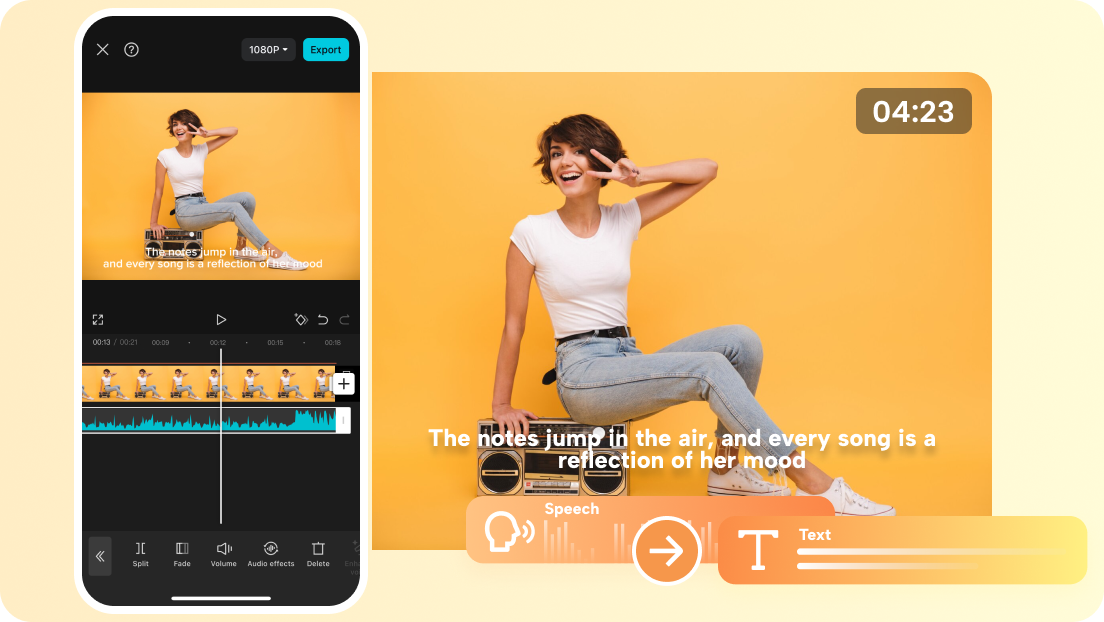
Design forecast and production guide
What makes it kinetic
A production guide describes text movement tied to meaning and rhythm. Timing is the essential ingredient: a static image can illustrate hierarchy but cannot demonstrate the motion.
Keep the sentence readable
Make the spoken sentence understandable without relying on animation. Then use a brief effect on the word carrying the key idea. This is an editorial production suggestion, not an algorithm claim.